
Overview
This article is under development.Betsy™ is an FPGA-based maker board powered by the Private Island ® open source project for networking and machine learning. This article walks the user through the initial setup of Betsy with the open source Verilog project using either Altera Quartus Prime Standard or Lite.
Note that there is a growing list of documents supporting the project, and this is provided below as a project status section.
Getting Started Steps
Step 1: Install Altera Quartus Prime
Visit the Altera Download Center for either Quartus Prime Standard or Lite. You'll use the latter if you don't have a license. We have found that Quartus works well on both Windows 10/11 and Ubuntu Linux 24.04.
When installing Quartus, you'll want to ensure that you also install the device files for the Cyclone 10 LP.
Since you'll be working with the Betsy hardware, you'll want to install the JTAG drivers. The initial v0.1 Betsy prototype requires an external JTAG dongle, such as an Altera USB Blaster. An FTDI mini module can also be used as a low cost JTAG adapter: Use an FTDI Mini Module as an Altera USB Blaster III Programming Adapter
If you plan on simulating the project, which we highly recommend, then also install the Altera starter version of Questa during the Quartus installation process.
If you find there are problems using the default installer, then you may need to use the individual files process (tab).
Step 2: Ensure you have Git
If you're working with Ubuntu Linux, then you either already have Git or can simply install it on the command line with "sudo apt install git". Alternatively, a snap package can be installed usng the Ubuntu GUI App Center.
For Windows OS, we highly recommend you install Git for Windows.
Step 3: Clone Private Island and open the project in Quartus
Perform a Git clone of the Private Island project, as shown below:
$ git clone https://privateisland.tech/repos/cgit.cgi/privateisland
Cloning into 'privateisland'...
Fetching objects: 431, done.

# locate the Quartus Project File
$ cd privateisland
$ ls -l manufacturer/altera/cyclone10_lp/betsy.qpf
manufacturer/altera/cyclone10_lp/betsy.qpf
Build the project with Signal Tap enabled
Launch Quartus and open the betsy.qpf project.
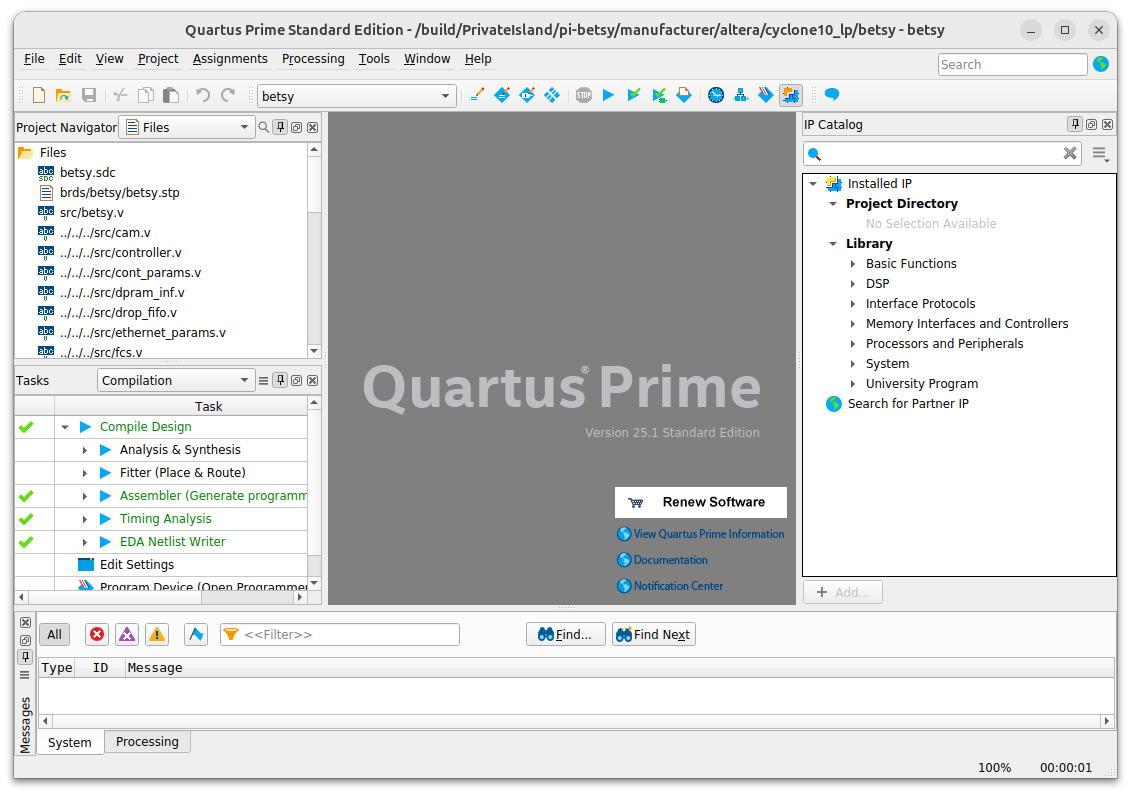
Assuming that you're working with the Betsy board, it is suggested that you build from the Signal Tap Logic (STL) Analyzer application, which can be launched under the Tools menu.
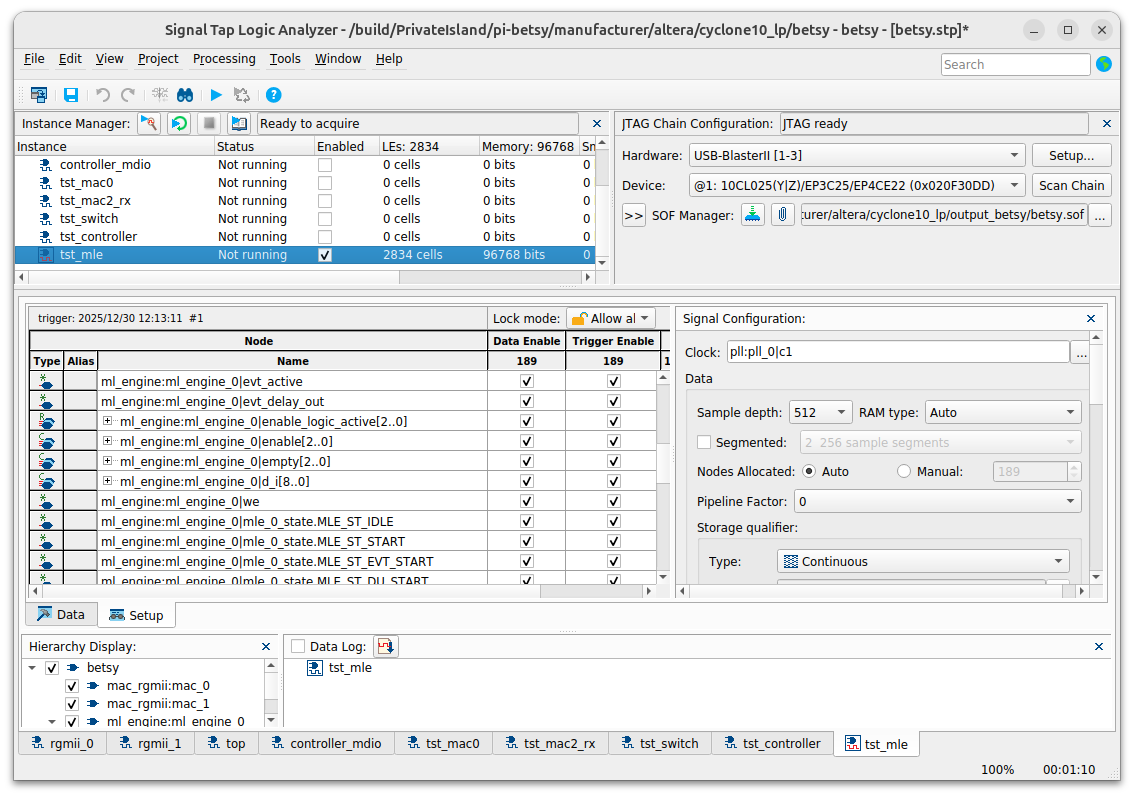
To build the project in STL, simply press the start button next to the binoculars. Return to the Quartus Prime window to see the compilation results.
Step 4: Install Wireshark
Wireshark is the industry standard and indispensable network packet/protocol analyzer. It's also open source and free to download & use.
Installation is trivial on Windows. On Ubuntu Linux, you'll need to deal with permissions, and the Ubuntu installer should guide you through the process of the necessary steps to run Wireshark without being root.
Launch Questa and Simulate the Betsy Project
To Be Added.
Designing a Daughter Board for Betsy
To Be Added
Project / Documentation Status
To Be Added


